A shopper is looking at the Vallo jacket on our site. It looks great on the model, but the question nobody asks out loud is still there: what about on me?
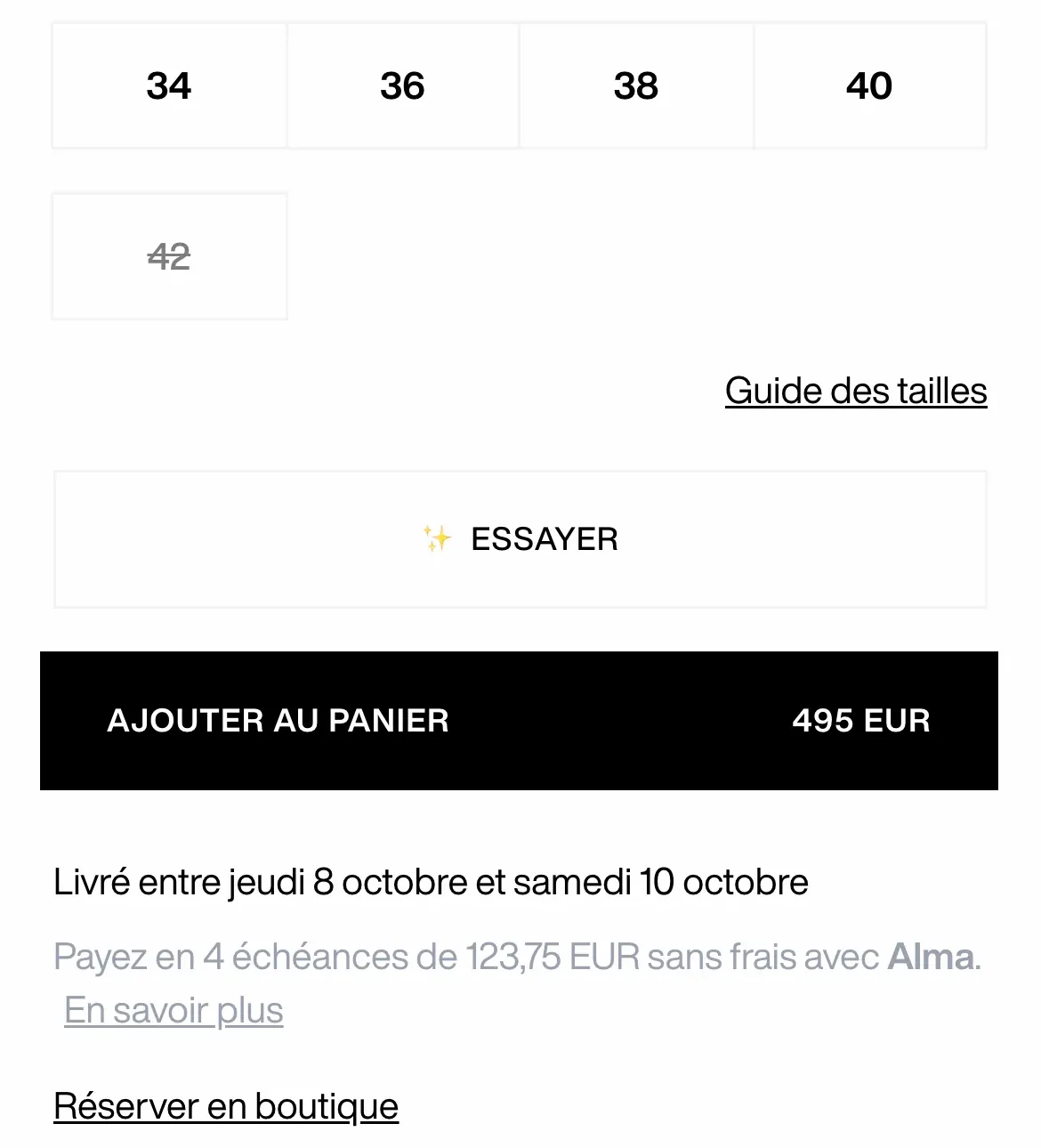
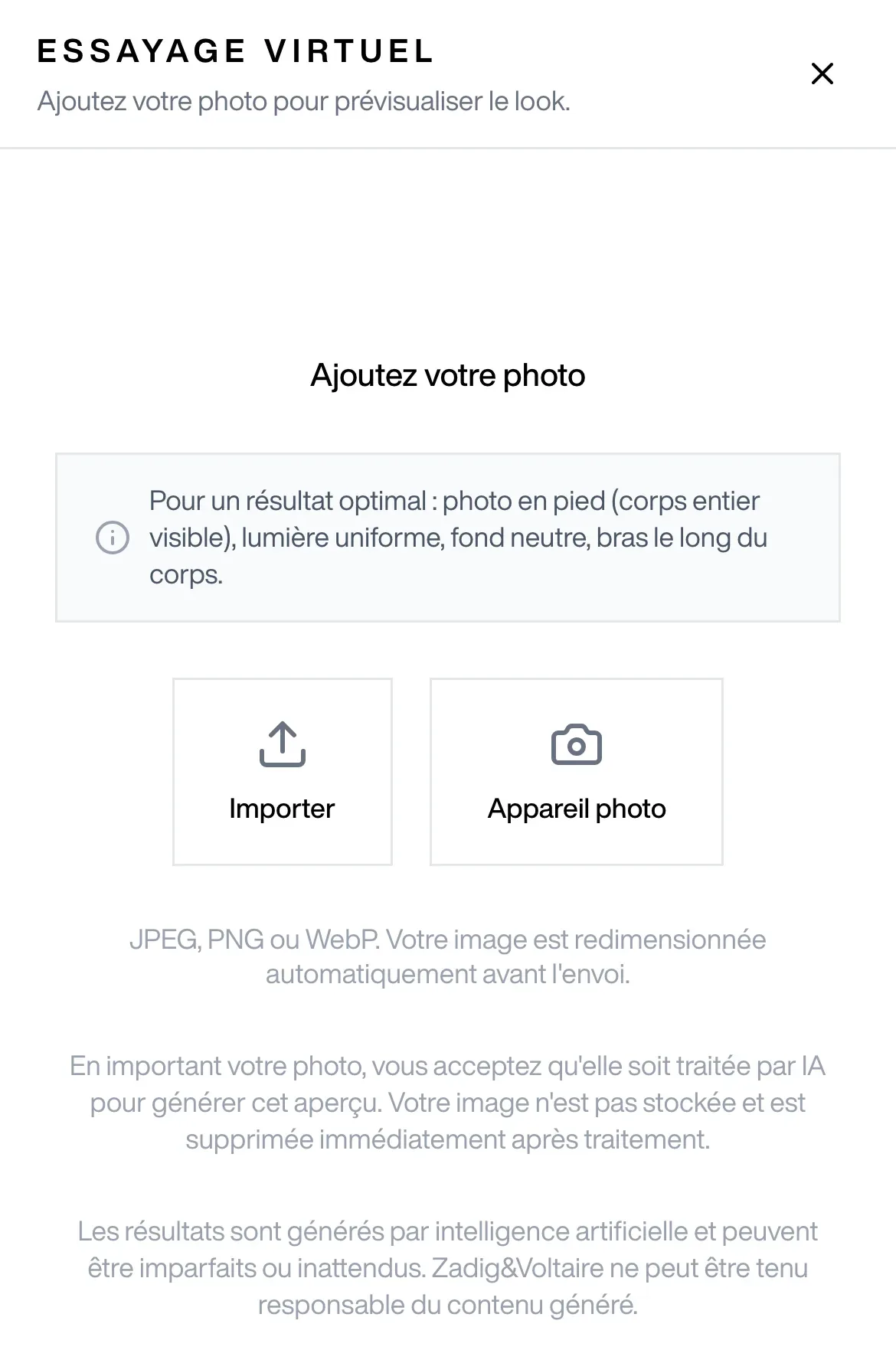
Since June 2026, she can answer it herself. A “Try on” button under the size picker, one photo, a few seconds of waiting, and the jacket appears on her, in her living room, with her hair and her shoes.
On paper, it’s the kind of generative AI demo that goes around every week. In production, across eight European storefronts and the whole women’s and men’s ready-to-wear range, it’s a different job: a service that has to refuse what it can’t do, protect the photo it’s given, hold up when the model gets it wrong, and prove it’s worth having. Here is how we built it.
Why build it ourselves
The idea wasn’t new for us. An earlier version sent shoppers to a third-party service: an outbound link, an experience outside our site, no control over the rendering or the data. It was removed in January, during the storefront rebuild.
What had changed since then was the models. Gemini’s image models can now compose a scene from several images while preserving a person’s identity. The hard part was no longer generating an image. It was framing a model that already knows how to: telling it what to keep, what to replace, and when to stay quiet.
The first draft of the service was written by a coding agent on 31 March. Four weeks of hardening later, it was in production, still invisible to shoppers.
One service, three model calls
Try-on is an AWS Lambda function behind our API gateway, next to Helios, our catalogue layer. It receives the shopper’s photo and the product image URL, and calls Gemini three times, in three clearly separated roles.
The guardian: validate and classify before spending anything
The first call generates nothing. It looks at both images and answers in compact JSON: is the photo usable, how is it framed (full body, upper body, portrait), and which family does the garment belong to (dress, bottom, top, accessory, or excluded, like shoes and jewellery).
It’s the cheapest and most useful filter in the pipeline. No person in the photo, several people, a screenshot, a mannequin, a blurry image, a child: immediate refusal, with a precise code the site turns into a clear message in five languages.
The guardian is also there to refuse what won’t work. A dress or a pair of trousers needs a full-body photo; a top needs at least the upper body. Rather than generating a broken image, the service returns a 422 with body_type_full_required, and the interface asks for another photo.
We learned one thing in the first few days: a model’s output is user input, and has to be validated as such. The guardian’s JSON goes through a Zod schema, and every field has an explicit fallback for when the model makes up a value:
const guardianSchema = z.object({
  isValid: z.boolean(),
  bodyType: z.enum(['full_body', 'upper_body', 'portrait']).catch('full_body'),
  garmentBucket: z.enum(['dress', 'bottom', 'top', 'accessory', 'excluded', 'unknown']).catch('unknown'),
  reason: z
    .enum(['no_human_found', 'multiple_persons', 'inappropriate_content',
      'child_detected', 'not_a_photo', 'poor_quality', 'image_rejected'])
    .nullable()
    .catch('image_rejected'),
});
An unexpected refusal reason becomes image_rejected, which the site knows how to display. The front end never receives a string it doesn’t recognise.
The generator: pixel-level rules
The second call produces the image. Its prompt has two parts.
The first is an identity lock: the output shows the same person, the same face, the same body shape, the same pose and the same background as the original photo. When we give the model a second picture of the product worn by a model, to help with drape, it has an annoying tendency to bring the model along. The prompt forbids that in so many words.
The second part depends on the garment family, and that’s where quality was won or lost. A general instruction like “replace the outfit” gives you dresses worn over jeans. So the rules describe the expected result zone by zone: below a dress hem, bare legs and then the original shoes; for trousers, the top stays pixel-identical above the waistline; for a bag, no arm grows to hold it.
The product’s name, colour, material and category are injected into the prompt after sanitisation: it’s catalogue data, but we don’t let any free text reach an instruction unfiltered.
The critic and the second pass
The third call reviews the generated image against the original photo and returns a score from 0 to 100, with defect codes: person replaced, background changed, original clothing still visible underneath, wrong colour, lost texture.
Below 20, the image is dropped and the shopper sees a failure message instead of a broken render. Above that, it’s shown right away. And if the score stays under 50, the browser quietly requests a second generation, passing along the defects found: each code maps to a specific corrective instruction, which works far better than “do better”. If the second pass succeeds, its image replaces the first; if it fails, the first one stays.
The critic is the only link that fails open. A transient review outage shouldn’t throw away an image we’ve already paid for and that is probably fine: we substitute a neutral verdict and show it. The guardian fails closed. The rule is simple: lenient on quality, never lenient on what we agree to send to the model.
A shopper’s photo is not just another piece of data
The service handles a personal photo. A few principles guided every decision.
- Nothing is stored. The photo goes through the service in memory and is gone when the request ends. The interface says so before upload, along with the notice that the image will be processed by AI.
- The browser shrinks the photo before sending it: 1,280 pixels on the long side, JPEG. Less data on the wire, faster calls, and no 12-megapixel photo travelling for nothing.
- The service only fetches our own product images. The product URL comes from the browser: it’s followed only if it points to our image domains, over HTTPS, with no redirects and a size cap.
- Rate limiting per connection, a fixed list of allowed origins, and models chosen through configuration so we can switch versions without redeploying code.
- Adults only. The guardian refuses a photo of a child, and since September the module no longer appears on kids’ products.
- A clear notice on every result: the image is AI-generated and may be imperfect.
Opening up step by step
The service was in production by late April, but the module only appears on products whose type is on an allowlist, set storefront by storefront in the Magento back office. We opened it family by family:
| Date | Step |
|---|---|
| 31 March | First draft of the service |
| late April | Service in production, module hidden |
| June | Tops and jeans, then dresses and T-shirts |
| 9 July | Move to the 3.x generation of Gemini models |
| 27 July | All women’s and men’s ready-to-wear on the European storefronts |
| September | Every refusal reason logged, kids’ products excluded |
The move to 3.x models came with an unexpected constraint: image models in that generation are only served from Google Cloud’s global endpoint, not from a European region. A regional value in the configuration simply breaks generation. That’s written at the top of the config file, because it’s exactly the kind of detail you rediscover at 11 p.m.
The US site doesn’t have the module: its type list is empty. A setting, not a code branch.
What the numbers say
August 2026 is the first full, comparable month. We measured on the European markets, counting distinct visitors over the month.
Two drop-offs dominate. Seven out of ten visitors who open the module never upload a photo. And among those who start a try-on, more than half hit at least one failure.
We assumed those failures came from the model. The service logs say otherwise: across August and early September, a quarter of requests are photo refusals before any generation, while technical failures account for about 1%. The bottleneck isn’t Gemini’s latency or reliability, it’s the photo: bad framing, several people, too dark. That’s why we’ve logged the reason for every refusal since September.
Which leaves the question everyone asks: does it sell?
The easy answer would be to compare module users with all product page visitors. The gap is spectacular, close to tenfold. It means nothing: opening the module is a deliberate act, done by visitors who are already highly engaged. That comparison measures who chooses to try on, not what trying on does.
The reading we keep compares module users with each other, at equal intent:
| Comparison (August 2026) | Conversion gap | Significance |
|---|---|---|
| Saw a result (≈ 1,900 visitors) vs only opened the module (≈ 6,500) | +24% relative | yes, z ≈ 2.6, p < 0.01 |
| Saw a result vs only got failures (≈ 700) | same direction | no, p ≈ 0.10 |
Visitors who get a render convert clearly better than those who only open the module. The gap against those who only got failures points the same way, but the sample doesn’t let us claim it.
We also have to say what these numbers are not. There’s no control group: the module is open to every eligible visitor. These are associations, measured as a monthly cohort, not a causal effect. But they say where to act: raise the share of accepted photos.
What we learned
- Framing costs more than generating. The model could produce an image on day one. The following weeks went into deciding when not to, and into making every refusal understandable.
- Several specialised calls beat one giant prompt. Validating, generating and reviewing are three different jobs. Splitting them made each step testable, and each one can change model independently.
- Choose where you fail open. Closed on what we accept, open on the quality review. Written in the code, not on a wiki page.
- Measure before optimising the wrong link. We could have spent the summer speeding up generation. The numbers show the lever is upstream, in helping people take the photo.
- Turn down the flattering comparison. A tenfold gap would have made a nice headline. A +24% measured at equal intent, with its limits stated, is a number we can make decisions on.
The next steps are already written by these measurements: better photo guidance before upload, counting the product pages that are actually eligible to know the real adoption rate, and, once the volume allows it, an A/B test to move from association to effect.