Why build an internal n8n when the tool already exists? Because sometimes, build beats buy. At Zadig&Voltaire, we made the choice to build our own visual workflow platform equipped with AI generation capabilities.
The advantage:
It’s custom - we have a tool reinvented specifically for our needs, so it’s simple, ultra basic, and easy to pick up, even for no-code beginners.
The problem: data governance
We needed to integrate OpenAI directly into our workflows - not via an external API, but as a first-class agent capable of orchestrating complex tasks. Our internal data (inventory, orders, analytics) couldn’t transit through third-party services.
And above all, our proprietary integrations - Magento customizations, internal monitoring probes, specific notification systems - required flexibility that standard connectors couldn’t offer.
We have a complete internal stack that lets us monitor approximately everything. Why not simply extend it while preserving data security and storage?
By controlling it ourselves, we can guarantee and reduce the attack surface - everything is tracked and logged internally and we can fully leverage AI without particular concerns.
The architecture: a DAG execution engine
At the heart of this system sits a Directed Acyclic Graph (DAG) executor implemented in PHP/Symfony with Doctrine ORM.
The algorithm is simple but robust: a breadth-first execution queue.
The WorkflowExecutor starts with nodes that have no incoming dependencies, executes them, then propagates their context to subsequent nodes.
Each node receives the cumulative context of its predecessors and can add its own outputs.
The handler chain pattern enables extensibility: each node type is managed by a handler tagged in the Symfony container. A handler implements three methods:
// Node definition example
[
    'type' => 'notification_slack',
    'label' => 'Slack Notification',
    'category' => 'integration',
    'inputs' => [
        'channel' => ['type' => 'string', 'required' => true],
        'message' => ['type' => 'text', 'required' => true],
        'blocks' => ['type' => 'json', 'required' => false]
    ],
    'outputs' => [
        'message_ts' => ['type' => 'string'],
        'channel_id' => ['type' => 'string']
    ]
]
The supports(), execute(), and getNodeDefinition() methods form the contract that each handler respects.
The 18 node types
The orchestrator offers 18 node types split into three categories.
Integrations
- http_request: REST calls with full support for methods, headers, and body
- notification_slack: message sending with automatic Markdown to Slack mrkdwn conversion
- notification_email: HTML emails with attachments, built-in templates
- probe_check: verification of our internal monitoring probes
Flow control
- control_condition: 15+ operators including regex, numeric and text comparisons
- control_switch: pattern matching to route to different branches
- control_delay: execution pause (max 5 minutes to avoid blocking)
- control_on_error: error recovery with failure context injection
- control_subworkflow: nested workflow calls (max depth 10)
AI nodes
- ai_agent: multi-turn conversations with Claude or OpenAI, tool calling support
- claude_agent: fire-and-forget tasks (code-review, feature-dev, jira-ticket automation)
- task_agent: 11 pre-configured processors (translator, sentiment analyzer, data transformer…)
AI workflow generation
This is the feature that changes everything. A user describes their workflow in natural language:
“Check if the catalog API is up every 5 minutes. If it’s down, send a Slack alert to #incidents.”
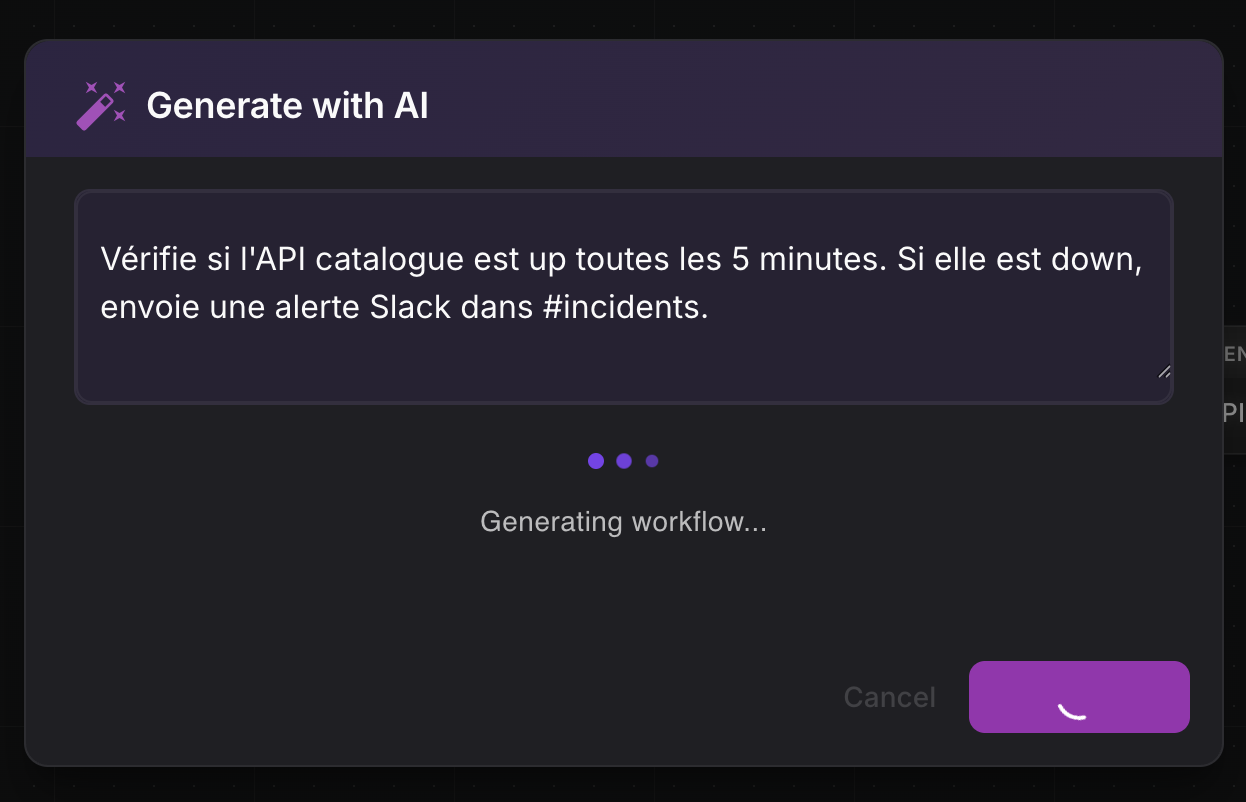
The system sends this description along with the 18 node definitions to GPT-5.2.
The model returns a complete valid DAG in JSON format:
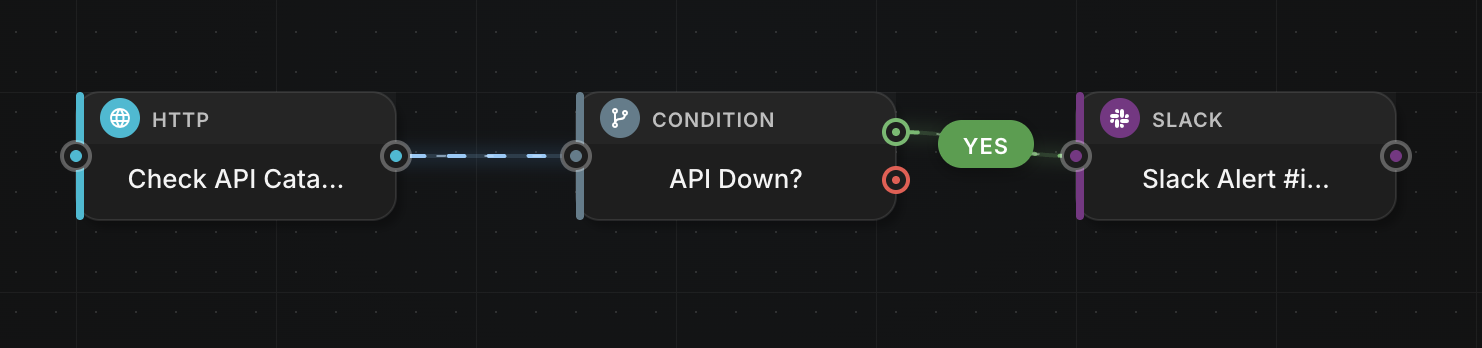
{
  "nodes": [
    {
      "id": "probe_1",
      "type": "probe_check",
      "position": { "x": 100, "y": 200 },
      "config": { "probe_name": "api-catalogue" }
    },
    {
      "id": "condition_1",
      "type": "control_condition",
      "position": { "x": 300, "y": 200 },
      "config": {
        "field": "{{ probe_1.output.status }}",
        "operator": "equals",
        "value": "down"
      }
    },
    {
      "id": "slack_1",
      "type": "notification_slack",
      "position": { "x": 500, "y": 200 },
      "config": {
        "channel": "#incidents",
        "message": "Catalog API DOWN"
      }
    }
  ],
  "edges": [
    { "source": "probe_1", "target": "condition_1" },
    { "source": "condition_1", "target": "slack_1", "branch": "true" }
  ]
}
The workflow is immediately executable. No manual configuration, no documentation to consult.
Variable resolution: Twig-style syntax
The system uses a Twig-inspired syntax for variable resolution.
The {{ node_name.output.field }} template is resolved recursively through nested arrays, with automatic JSON conversion of objects.
Template: "Order {{ http_call.output.order.id }} - Total: {{ http_call.output.order.total }}€"
Context: { "http_call": { "output": { "order": { "id": "ZV-2026-0142", "total": 450 }}}}
Result: "Order ZV-2026-0142 - Total: 450€"
The visual editor
The Vue.js 2 interface offers an intuitive drag-and-drop experience. On the left, a palette of 18 node types grouped by category. In the center, the canvas where you draw the graph by connecting nodes with edges. On the right, the contextual configuration panel that adapts to the selected node.
The AiGeneratorDialog allows switching to prompt-based generation: describe, generate, visually adjust if needed.
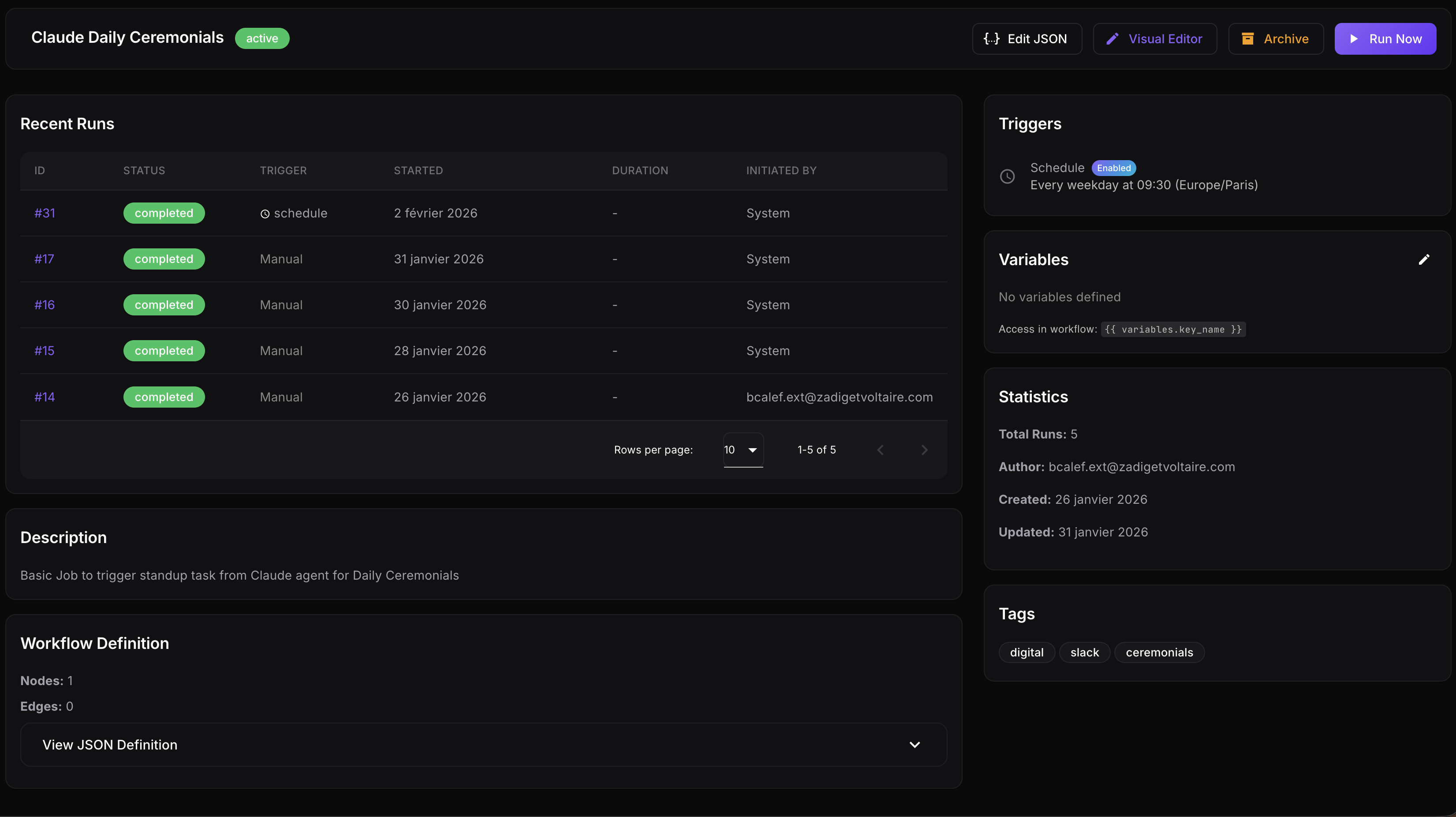
Dual trigger system
The orchestrator supports two trigger modes. Cron schedules with timezone support (daily, weekdays, weekly, monthly). And webhooks that allow triggering a workflow from any tool.
Error handling
The control_on_error node lives outside the normal flow. When an exception occurs, the executor finds it and injects the _error context containing the message, the failing node’s ID, and its type. This approach enables graceful recovery without polluting the main graph.
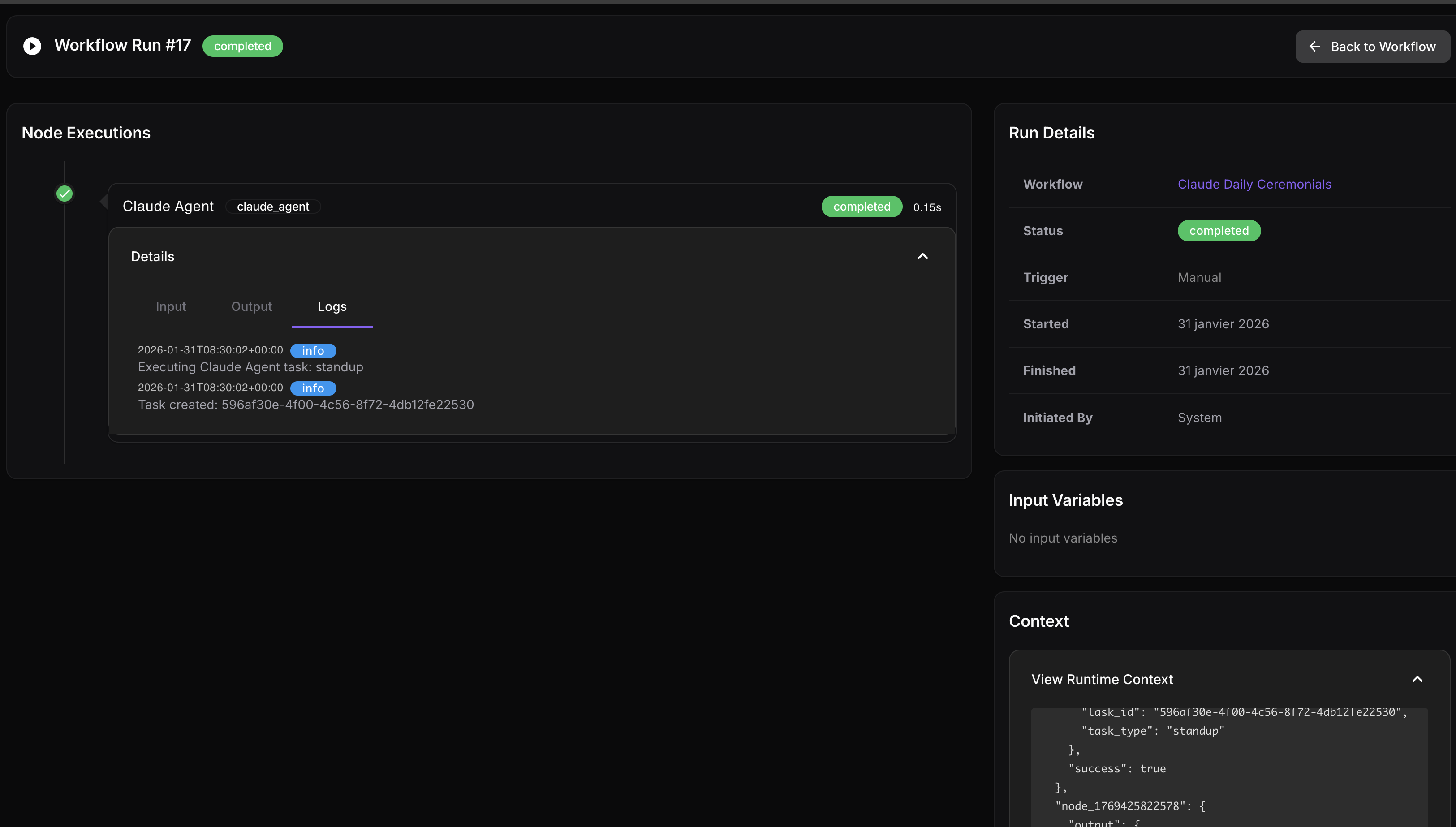
We also have complete tracking and full execution traceability:
Accepted trade-offs
Execution is synchronous - suited to our internal use cases where workflows rarely last more than 30 seconds.
The goal here is to solve everyday problems with AI agents, a shared vector database, and RAG that’s easy to integrate and share.
To illustrate, we don’t do automatic retry - it’s still possible by planning for it in the workflow (but not useful given our volume). The architecture is single-threaded per workflow, sufficient for our volume.
In the long term, we can easily imagine that the entire run could be orchestrated and automated via this internal tool.
“The orchestrator allows us to automate and integrate in a few clicks, or a few words, entire scopes that would have required custom development.” — The Z&V Tech Team